 AvioADSB
How to Increase ADS-B Range: 7 Fixes That Work
Learn how to increase ADS-B range: find your real limit, raise the antenna, cut cable loss and tune gain. Then share your wider coverage with AvioADSB.
To increase ADS-B range, give the antenna a clearer view of the horizon first, then cut cable loss, then tune the gain. In that order. ADS-B at 1090 MHz is line of sight, so most receivers are limited by what stands between the antenna and the aircraft, not by the dongle. The steps below start with the cheapest and most effective fix.
Already happy with your range? Skip to sharing it with one readsb line.
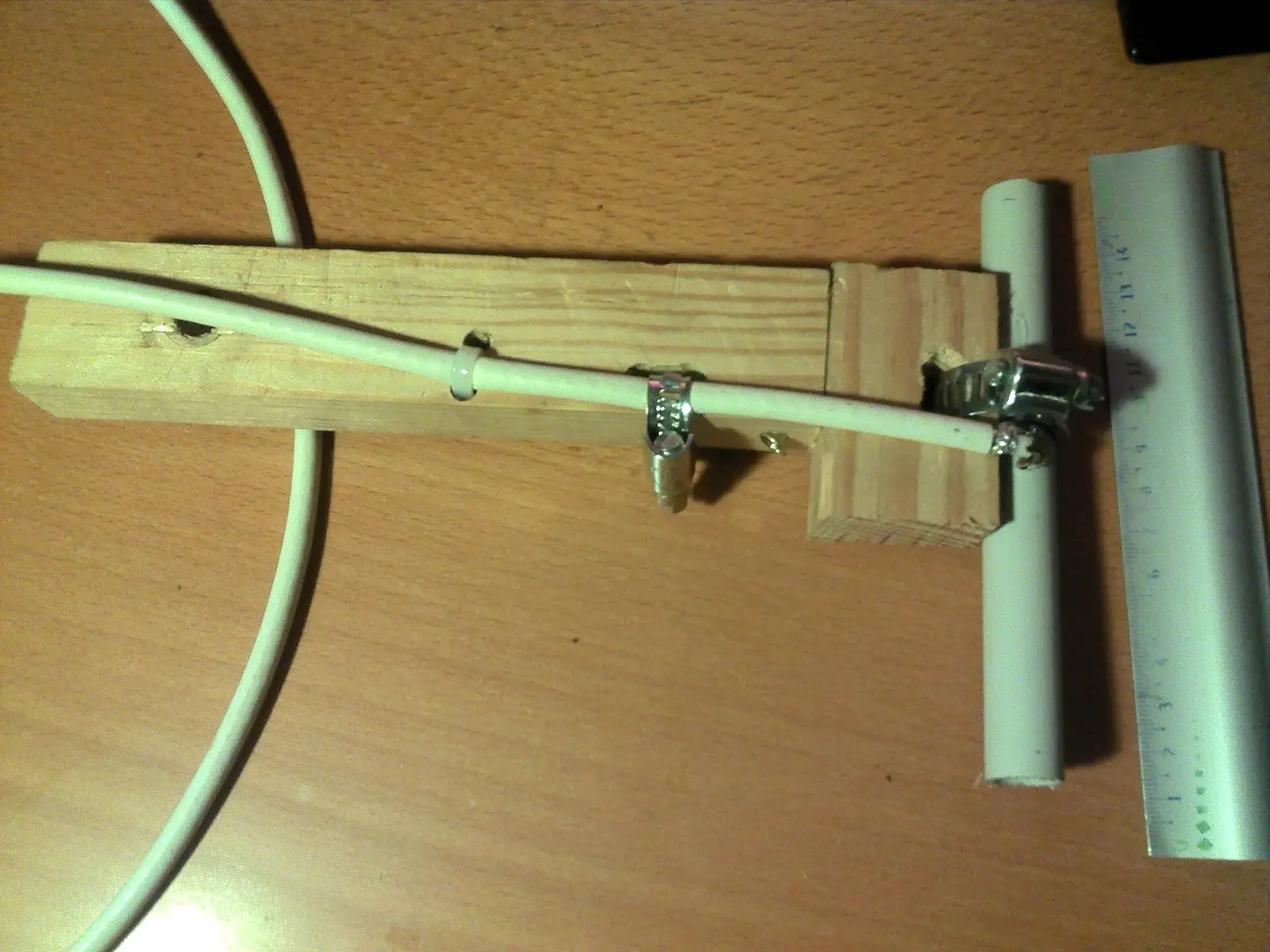
A homemade 1090 MHz ADS-B dipole antenna. Photo: Happy-marmotte, CC BY-SA 3.0, via Wikimedia Commons.
What limits ADS-B range
The hard limit is the radio horizon. A common approximation, with normal atmospheric refraction included, is that the horizon in kilometres is about 4.12 times the square root of the height in metres, and the horizons of both ends add together.
Worked through, an aircraft at 40,000 ft (12,192 m) has a horizon of roughly 455 km, while an antenna 10 m up adds only about 13 km. So height does not buy much extra horizon on flat ground. What it buys is a path over the roofs, trees and hills that block low-angle signals from far away aircraft.
How to increase ADS-B range, step by step
-
Measure what you have. In tar1090, add
?pTracksto the map address. The tar1090 README says this shows the last 8 hours of traces, a visual picture of your coverage. Take a screenshot before changing anything. -
Find your theoretical maximum. On heywhatsthat.com, click "New Panorama", set your antenna location precisely and submit. Then load the outline into tar1090, replacing
XXXXXwith the ID from your panorama URL:sudo /usr/local/share/tar1090/getupintheair.sh XXXXXThis draws a 40,000 ft theoretical range outline on your map. The README notes the panorama ignores obstacles closer than about 100 ft and does not consider trees.
-
Compare the two. If your traces already reach the outline, terrain is your limit and no hardware will push past it. If they fall short in some directions, something nearby is in the way, or the signal is being lost after the antenna.
-
Raise and clear the antenna. FlightAware's PiAware guide says the antenna should be vertical and have an unobstructed view of the sky, since buildings, tall trees and high ground block the signal. Our antenna placement guide covers roof, balcony and window options.
-
Cut cable loss. The same guide advises keeping cable loss below 6 dB and coax preferably under 15 metres (50 feet). Moving the Raspberry Pi next to the antenna often beats buying thicker cable. See coax cable loss at 1090 MHz.
-
Tune the gain. More gain is not more range. The wiedehopf gain guide points out that noise is amplified with the signal, so you might not get any extra range from a higher setting. Our gain settings guide has the commands.
-
Then consider a filter or an LNA. RTL-SDR.com explains that a 1090 MHz filter blocks interfering signals that can overload a dongle, and that an LNA can help overcome coax losses. Neither fixes a blocked view. The filter and LNA guide helps you decide.
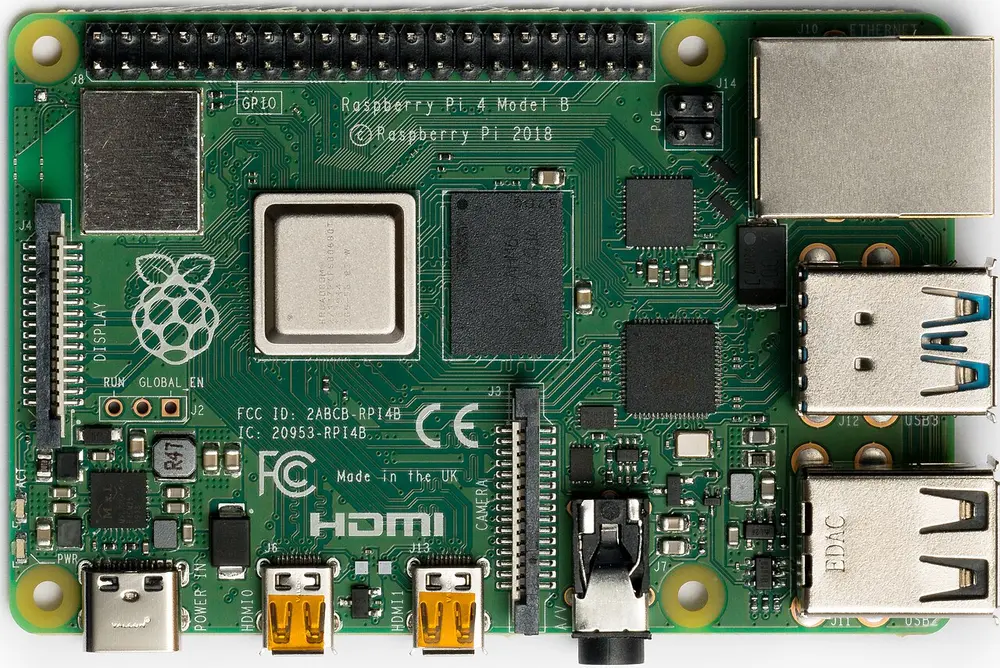
Raspberry Pi 4 Model B. Photo: Laserlicht, CC BY-SA 4.0, via Wikimedia Commons.
Check that the change helped
Change one thing at a time, wait a few hours, and reload the ?pTracks view to compare against your screenshot. For a longer record, graphs1090 draws range graphs over time. Its README notes that the range graph needs your location configured in the decoder.
Put your extra range on the map
Aircraft at the edge of your range are often the ones nobody else nearby hears, which makes them the most valuable to a shared map. If your decoder shows aircraft, connecting takes a few minutes, and per the getting started guide no account is needed for your data to count.
-
Make a station UUID and keep using the same one:
cat /proc/sys/kernel/random/uuid -
Add the connector to readsb's network options, with your own UUID:
--net-connector feed.avioadsb.org,30004,beast_reduce_plus_out,uuid=<your-uuid> -
Restart the decoder and open the feed status page from the same network to confirm data is arriving.
Already feeding another network? Keep it: connectors run side by side. Treat the UUID like a password and do not post it publicly. Using Ultrafeeder, adsb.im or dump1090? The getting started guide lists the matching steps.
Ready to connect your receiver?
Connect your receiver to AvioADSB in a few minutes with the line above and let the network see what your improved antenna hears. No receiver yet? Start with the hardware list.