 AvioADSB
ADS-B Antenna Placement: Where to Mount for Best Range
ADS-B antenna placement matters more than the antenna itself. Learn where to mount it, how to cope with indoor setups, and how to start feeding AvioADSB.
ADS-B antenna placement is the single biggest lever on how many aircraft your receiver sees. The short answer: mount the antenna vertically, as high as you can, with a clear view of the sky in every direction, and keep the coax cable to the receiver short. A cheap antenna in a good spot usually beats an expensive one in a bad spot.
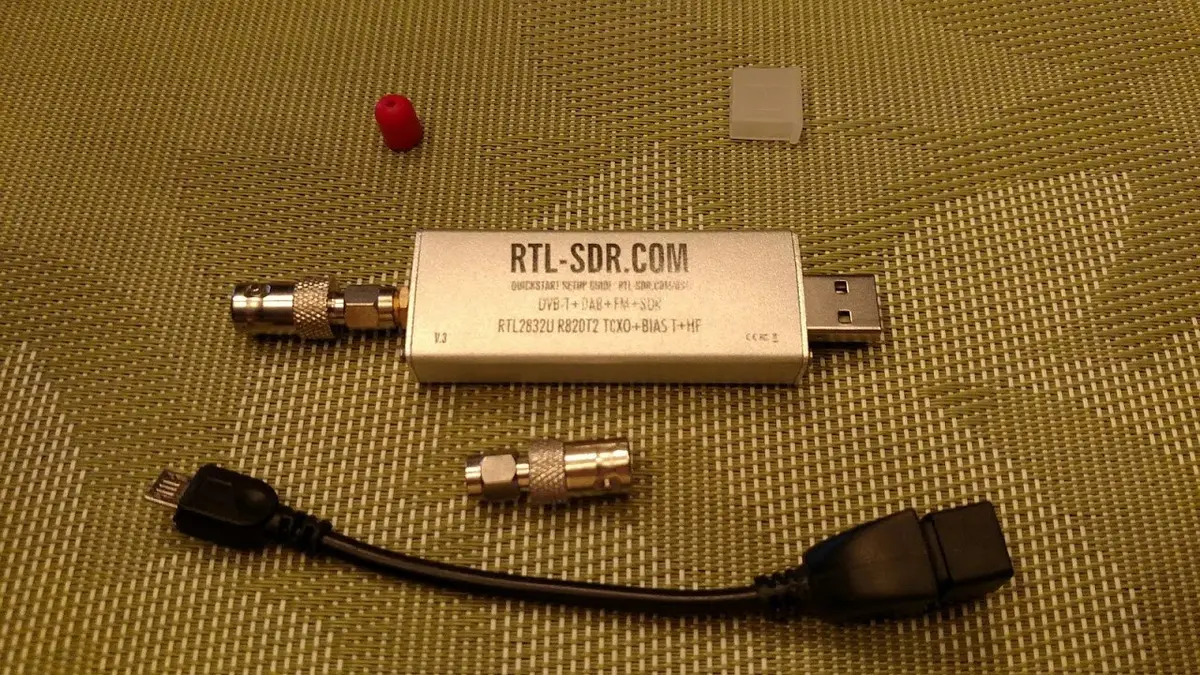
An RTL-SDR dongle. Photo: Joeceads, CC BY-SA 4.0, via Wikimedia Commons.
Why placement matters for 1090 MHz
Aircraft broadcast ADS-B at 1090 MHz, and at that frequency the signal travels in a straight line. Buildings, trees and high ground in the way block it. FlightAware's PiAware documentation says the signal is sent from a vertical antenna, so the best way to receive it is also a vertical antenna, installed where it has an unobstructed view of the sky.
Best spot: outdoors and high
If you can, go outside. FlightAware's guidance is that nothing beats a good outdoor antenna mounted high up, with a clear 360° view above surrounding trees and buildings.
- Pick the highest clear point. A roof, chimney mast or balcony rail beats a ground-level mount.
- Mount it vertically, to match the vertical signal.
- Keep the view open. Walk around the spot and look for anything taller than the antenna that blocks a direction.
- Plan the cable run. See the next section before you decide where the receiver sits.
Keep the coax short
Every metre of cable loses some signal. FlightAware recommends keeping coax as short as possible, preferably under 15 metres (50 feet), and aiming for under 6 dB of total cable loss, since more than that means fewer messages received. For runs under 50 feet they suggest at least LMR-240 or equivalent cable, and at least LMR-400 or equivalent beyond that.
A neat trick is to put the Raspberry Pi and dongle close to the antenna and run network or power cable instead. Our Raspberry Pi receiver guide covers the computer side.
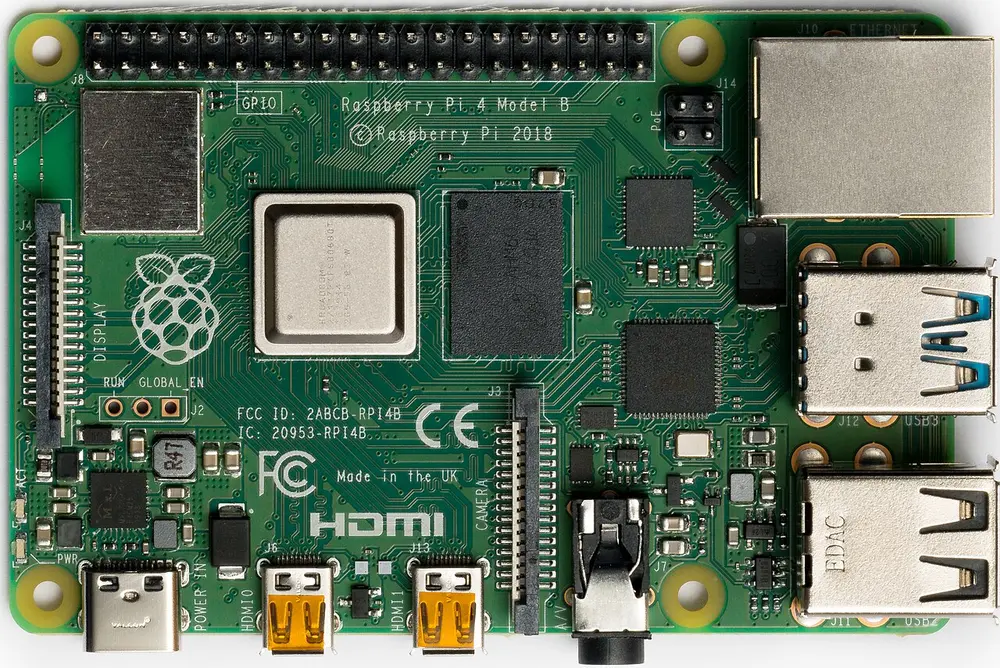
Raspberry Pi 4 Model B. Photo: Laserlicht, CC BY-SA 4.0, via Wikimedia Commons.
No outdoor access? Indoor options
Outdoor is ideal but not always possible. The same guidance suggests, in order of preference:
- A window or attic, as close to the sky as possible with minimal obstructions. Be careful with modern Low-E glass, which can carry a metallic coating that reflects radio signals.
- A high shelf near an external wall, closer to a window if your walls are brick, concrete or stucco.
- Avoid attics with metal roofs, foil-backed radiant barriers or concrete construction.
An indoor antenna is a perfectly good way to start. You can move it outside later. For a step-by-step window setup, see the indoor window antenna guide.
Check your results, then adjust
Your decoder's statistics show where planes are picked up. FlightAware suggests using the range-by-direction graph to spot weak sectors, then moving the antenna and comparing. Change one thing at a time, and give it a day of traffic before judging.
If you are still choosing an antenna, the DIY 1090 MHz antenna guide shows a ground plane you can build for a few dollars, and the hardware guide lists store-bought options (about $20-40 for a dedicated ADS-B antenna).
From a good antenna spot to feeding
Once your antenna sits somewhere sensible, your receiver is ready to share what it hears. You can feed AvioADSB alongside any network you already feed.
Ready to connect your receiver?
Connect your receiver to AvioADSB in a few minutes: create a free account, add a receiver and run the feeder script. No receiver yet? Start with the hardware list.