 AvioADSB
ADS-B Dongle PPM Correction: Do You Need It?
Learn what PPM frequency correction means for an ADS-B USB dongle, how to measure it with rtl_test, and when to set it in readsb. Then feed AvioADSB.
PPM frequency correction for an ADS-B USB dongle tells your receiver how far its internal clock is off, in parts per million, so it can tune to 1090 MHz accurately. Most people feeding an ADS-B receiver never touch it, and a dongle with a temperature compensated oscillator (TCXO) rarely needs it. This page shows how to measure the error and where the setting goes, so you can rule it out when your message rate looks low.
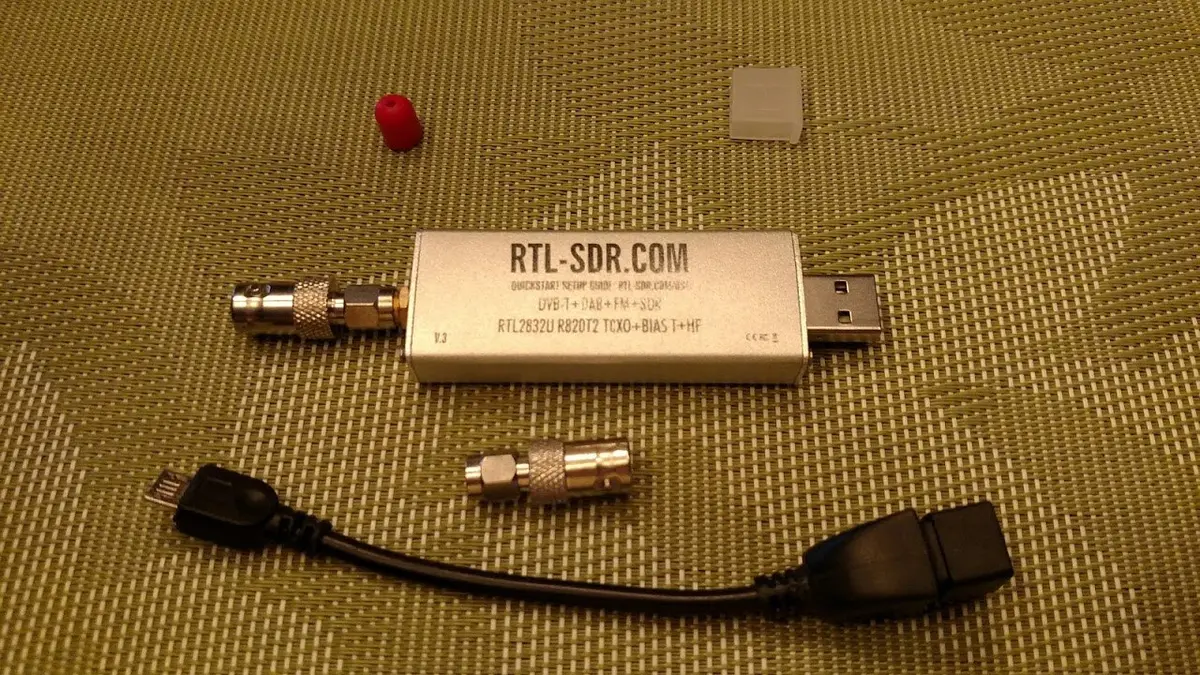
An RTL-SDR dongle. Photo: Joeceads, CC BY-SA 4.0, via Wikimedia Commons.
What PPM correction means
Every RTL-SDR dongle keeps time with a small crystal. Cheap crystals drift, so the frequency the dongle thinks it is tuned to can be slightly off. The error is written as PPM, and the decoder can be told to compensate. RTL-SDR Blog describes its dongles as having a temperature compensated oscillator with under 1 PPM drift, which is why a good dongle usually works with no correction. Our dongle comparison explains what to look for.
Measure the error with rtl_test
The rtl_test tool that ships with the rtl-sdr drivers can measure it. According to the rtl-sdr source, the -p option enables PPM error measurement and prints a report every 10 seconds by default.
- Stop your decoder first so it is not using the dongle:
sudo systemctl stop readsb. - Run
rtl_test -pand let it run for a few minutes. The tool asks you to press Ctrl+C after a few minutes. - Read the lines that look like
real sample rate: ... current PPM: ... cumulative PPM: .... The cumulative figure is the average since the measurement began. - Press Ctrl+C, then start the decoder again:
sudo systemctl start readsb.
A cumulative value close to zero means you can skip the correction.
Set the PPM value in readsb
The readsb project lists the --ppm=<correction> option as "Set oscillator frequency correction in PPM", for use with --device-type rtlsdr. Where you add it depends on how you installed readsb. In the readsb install guide the settings live in /etc/default/readsb:
- Open it with
sudo nano /etc/default/readsb. - Add
--ppm=<value>to the receiver options, using the figure you measured. - Save, then restart with
sudo systemctl restart readsb. - Compare your message rate and aircraft count against what you had before. Change one thing at a time.
One caution from the RTL-SDR quick start guide: adjusting PPM slightly modifies the sampling rate, which can cause glitches at the highest sample rates in radio software. That note is about general SDR apps, not ADS-B decoders, but it is a reason to change the value only when you have a measured error.
When PPM is not your problem
ADS-B messages are short and strong enough that a small clock error is seldom the reason for weak reception. If aircraft counts are low, work through the low message rate checklist, then check antenna placement and cable loss before returning to PPM.
From a tuned dongle to a shared network
A receiver that is on frequency and hears planes is ready to share its data. Feeding takes a few minutes and can run next to any network you already feed, as described in the multi-network guide.
Ready to connect your receiver?
Connect your receiver in a few minutes: create a free account, add a receiver and run the feeder script. Still choosing parts? Start with the AvioADSB hardware list.