 AvioADSB
Feed Multiple ADS-B Networks From One Receiver
Feed multiple flight tracking networks from one receiver: how one decoder serves many feeders, easy bundles like adsb.im, and how AvioADSB fits in.
Yes, you can feed multiple flight tracking networks from one receiver. One dongle, one antenna and one decoder are enough: the decoder shares its output, and each network's feeder software reads from it. You do not need a second Raspberry Pi or a second antenna to join another network.
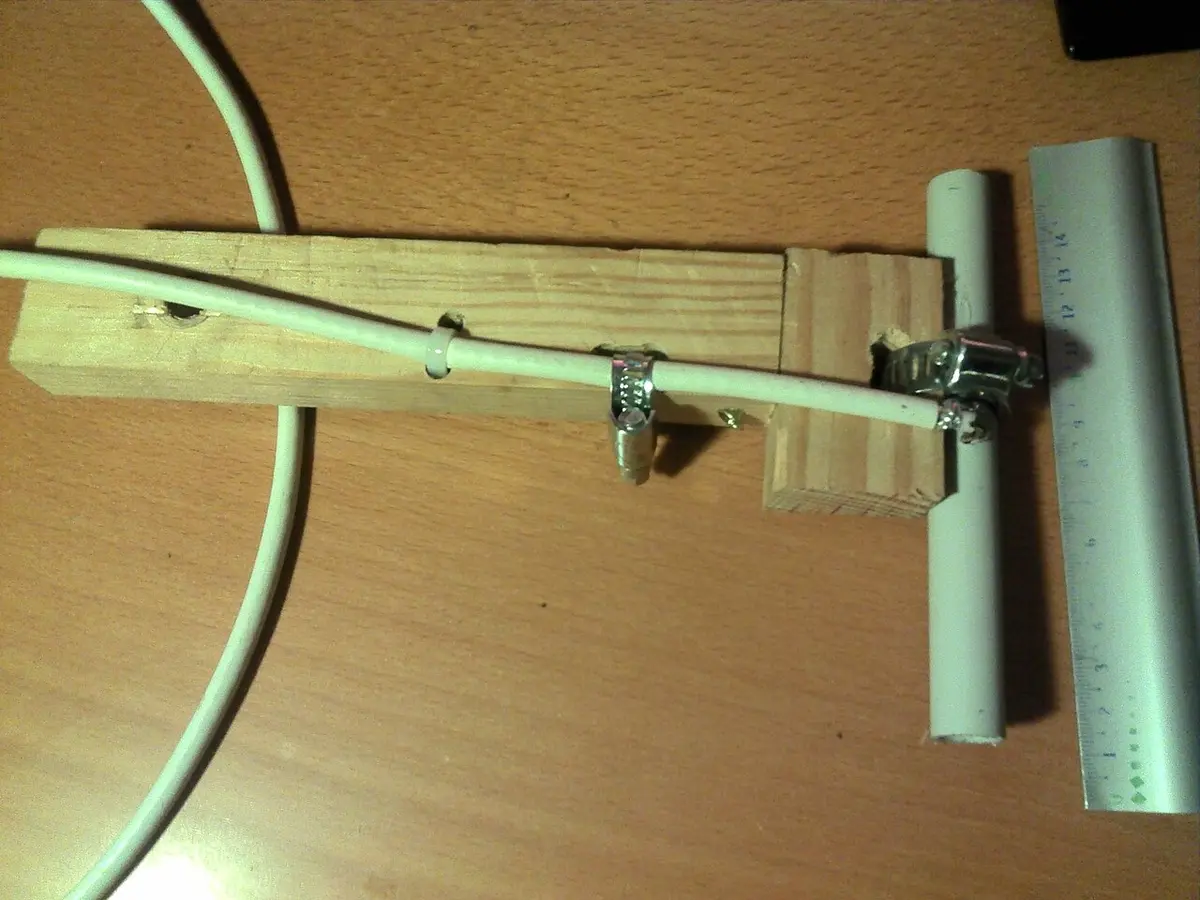
A homemade 1090 MHz dipole antenna. Photo: Happy-marmotte, CC BY-SA 3.0, via Wikimedia Commons.
How one receiver feeds many networks
The key is to separate two jobs:
- Decoding. Your RTL-SDR dongle and a decoder such as readsb turn radio signals into aircraft positions. Only one program can use the dongle at a time, which is why our readsb install guide replaces any other decoder.
- Feeding. Small feeder programs take the decoder's output and send it to a network. These can run side by side, because they only read data and never touch the dongle.
So the order is always the same: build one good receiver first, then add feeders on top. If the receiver is weak, every network gets weak data, so fix that first with the antenna placement guide and the low message rate checklist.
What AvioADSB needs from your decoder
The AvioADSB feeder script reads SBS data from your local decoder on 127.0.0.1:30003, authenticates with your receiver's token and relays the data to AvioADSB. It works with readsb or dump1090, and it does not take over your dongle. Other feeders you already run keep working. The full steps are in the getting started guide.
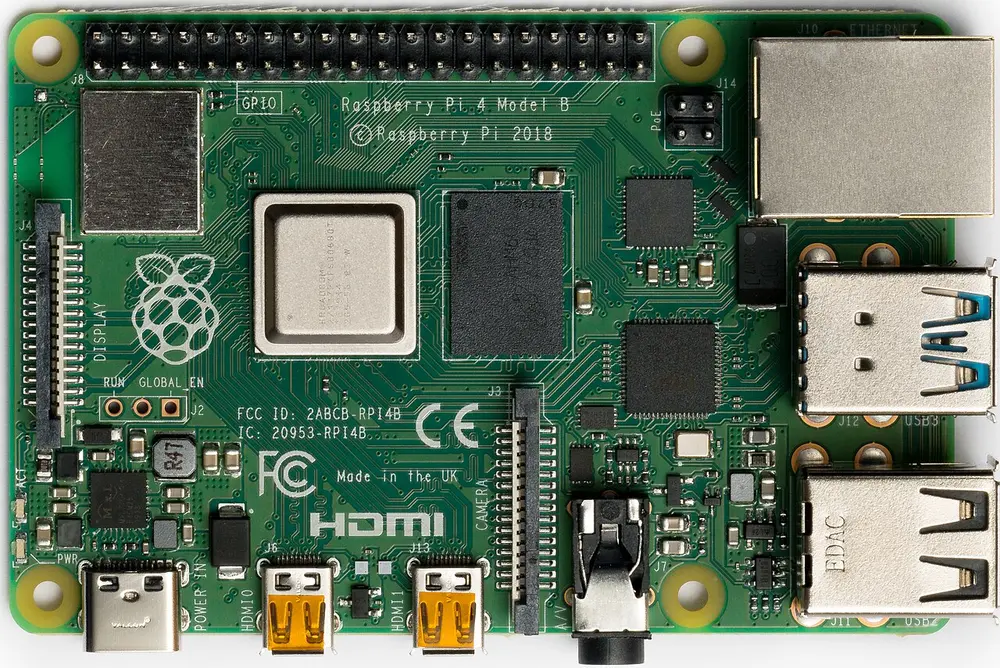
A Raspberry Pi 4 Model B. Photo: Laserlicht, CC BY-SA 4.0, via Wikimedia Commons.
Easier ways to run several feeders
If you plan to feed many networks, you can use a project that bundles the pieces:
- adsb.im is a ready-made SD card image for ADS-B reception and sharing. Its README says it aims to feed pretty much all ADS-B flight trackers and aggregators, and it lists dozens of supported networks. The project README has the current list and supported boards.
- adsb-ultrafeeder is a container that reads from your SDR, shows a local map and forwards data to one or more aggregators. See its documentation.
Both are community projects with their own setup steps, so follow their documentation rather than mixing commands from different guides.
Why feed more than one network
Each network has its own map, features and community, so many hobbyists feed several. There is a practical benefit too. The adsb.im README notes that some open-data aggregators share the data fed to them with each other, and says it still makes sense to feed all of them to improve MLAT coverage. MLAT (multilateration) locates aircraft that do not broadcast their position, and it works better with more receivers nearby.
For AvioADSB, a second network is not a competition. Your receiver adds coverage wherever your antenna can see, and every extra receiver helps fill gaps.
Before you add another feeder
- Check your decoder still shows a healthy message rate after each install.
- Keep each feeder's token or key private.
- Read each network's terms for what happens to the data you send.
Ready to connect your receiver?
If your receiver already feeds another network, connect it to AvioADSB in a few minutes: create a free account, add a receiver and run the feeder script. Still choosing parts? Start with the AvioADSB hardware list.