 AvioADSB
ADS-B Receiver Low Message Rate: How to Fix It
Is your ADS-B receiver low on messages? Work through cable loss, antenna placement and gain in order, then connect your tuned receiver to AvioADSB.
An ADS-B receiver with a low message rate almost always has a problem in one of three places: the antenna position, the cable, or the gain setting. The good news is that you can check them in that order with free tools, and each fix is cheap. Here is how to find out which one is holding your receiver back.
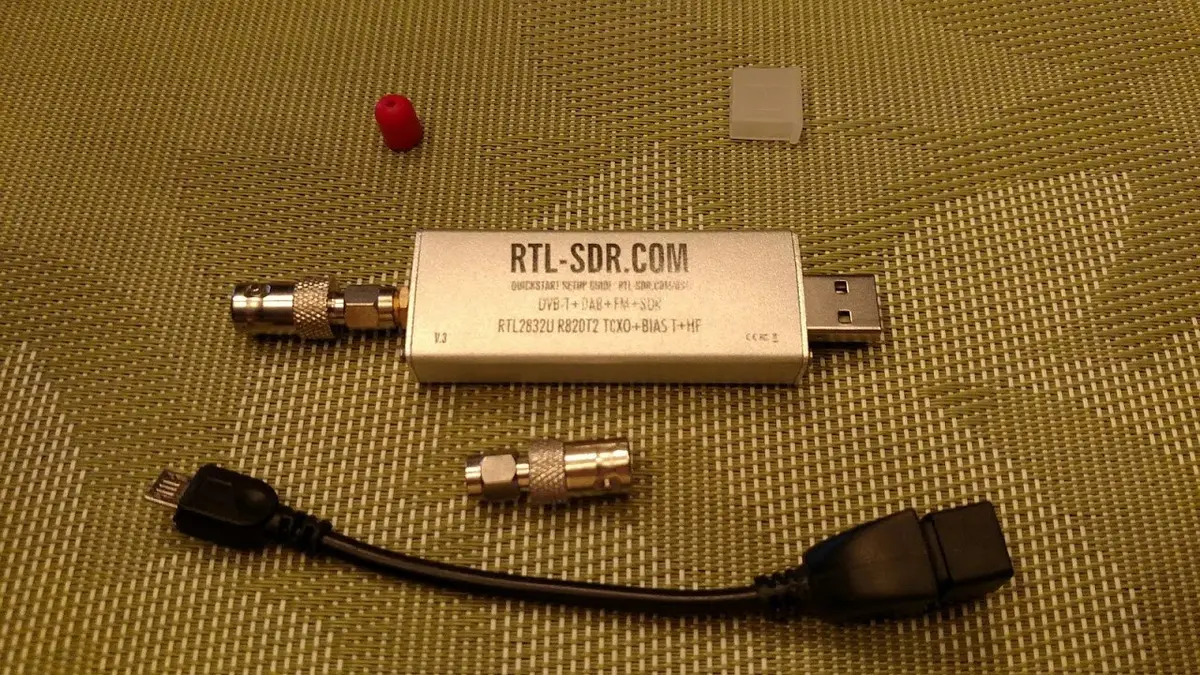
An RTL-SDR dongle. Photo: Joeceads, CC BY-SA 4.0, via Wikimedia Commons.
Step 1: Measure before you change anything
Write down your current message rate and aircraft count, then change one thing at a time. The graphs1090 project draws message, aircraft and range graphs for readsb and dump1090-fa, so you can compare before and after. The install command is on its project page. Afterwards the graphs appear at http://<your-pi-ip>/graphs1090. The range graph needs your receiver location set in the decoder.
Step 2: Check the antenna position
Signal at 1090 MHz travels in straight lines, so a blocked view means fewer messages. The antenna should be vertical, high, and have an open view of the sky. Our antenna placement guide walks through outdoor and indoor options.
Step 3: Check the coax cable
Cable loss quietly eats signal. FlightAware says runs with more than 6 dB of loss will result in fewer aircraft messages, and recommends at least LMR-240 (or equivalent) for runs under 15 m (50 ft) and at least LMR-400 beyond that. A short run, or moving the Raspberry Pi next to the antenna and running network cable instead, is the cheapest fix.
Step 4: Tune the gain
Gain that is too high or too low both cost you aircraft. The wiedehopf gain optimization guide suggests this procedure:
-
Check your current gain:
grep -sh -e gain /etc/default/{dump1090-fa,readsb} -
Measure the percentage of strong messages using the command on that page, which reads your decoder's
stats.json. -
Aim for about 5%. Near an airport 10% can be best, and if most traffic is distant, 0.5% or lower.
-
Wait at least 5 minutes after each change, then measure again. Lower the gain if the percentage is too high, raise it if too low.
-
Re-check after a day or two.
The same guide also describes an automatic gain method, and notes that the highest possible setting is not always best, since extra gain amplifies noise and can reduce range.
Step 5: Consider a filter and an amplifier
If the basics are right and numbers are still low, a 1090 MHz filter and a low-noise amplifier are the usual next upgrades. Check our hardware guide before buying, and test with your cable and antenna first.
A tuned receiver is worth sharing
Once your message rate looks healthy, your receiver adds real coverage for everyone. You can feed AvioADSB from the same decoder you already run, alongside any other network.
Ready to connect your receiver?
Connect your receiver to AvioADSB in a few minutes: create a free account, add a receiver and run the feeder script. No receiver yet? Start with the hardware list.