 AvioADSB
dump1090 vs readsb: Which ADS-B Decoder to Use
dump1090 vs readsb: what each decoder does, how they differ and which to pick for a new Raspberry Pi receiver before you feed AvioADSB.
dump1090 vs readsb is the first software choice most new feeders face. Both decode the radio signal from your RTL-SDR dongle into aircraft positions. For a new receiver that will feed several networks, readsb with tar1090 is the common choice. If you already run FlightAware's PiAware, its bundled dump1090-fa works fine too.
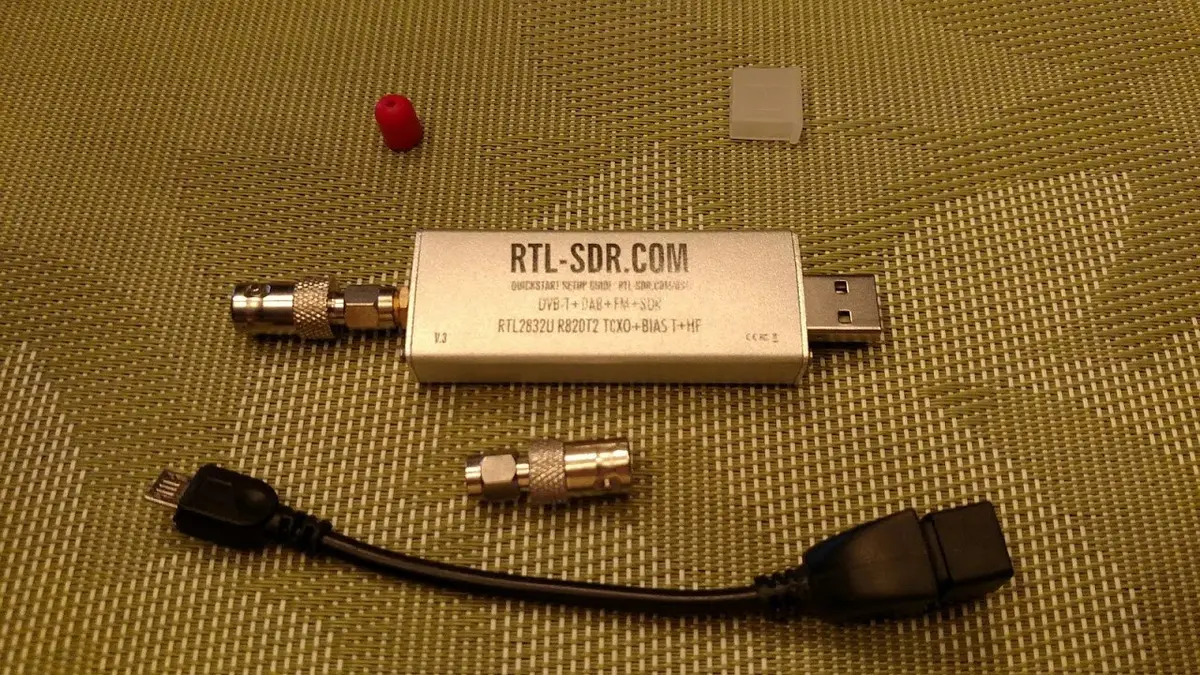
An RTL-SDR dongle. Photo: Joeceads, CC BY-SA 4.0, via Wikimedia Commons.
What a decoder does
Your antenna and dongle only deliver raw radio samples. A decoder turns them into messages with an aircraft's identity, position and altitude, then shares the result locally and over the network so a map or a feeder client can use it. Only one decoder can use the dongle at a time, so you pick one.
How dump1090 and readsb are related
"dump1090" is really a family of forks. The readsb credits trace the lineage from antirez's original dump1090 to Malcolm Robb's fork, then dump1090-mutability (later dump1090-fa), then Mictronics's readsb, and finally wiedehopf's readsb, the version most feeders install today.
- dump1090-fa is FlightAware's fork. Its repository describes it as an ADS-B, Mode S and Mode 3A/3C decoder that works with PiAware. It supports RTL-SDR, bladeRF, HackRF, LimeSDR and SoapySDR, and can show aircraft in a terminal or a browser map.
- readsb calls itself an "ADS-B decoder swiss knife". Its README lists several network outputs and inputs (Beast, raw, SBS, JSON and more), a reduced Beast output meant for aggregators, software gain control ("autogain") for RTL-SDR, and macOS support.
Which should you choose?
- Starting from scratch and want to feed more than one network: use readsb. The install script also sets up the tar1090 web interface, and our readsb install guide walks through it.
- Already running PiAware: keep dump1090-fa. It does the job, and you can add other feeders next to it.
- Not sure: the readsb install page itself says to try dump1090-fa if readsb does not work for you, so switching is low risk.
One trade-off: the readsb script removes dump1090-fa, and with it the local SkyAware page. tar1090 replaces it, see our tar1090 setup guide.
Feeding AvioADSB from either decoder
AvioADSB takes the same Beast feed as other community aggregators. With readsb, you add a single connector line to feed straight away. With dump1090 or other decoders that output SBS on port 30003, you use the feeder script. Both paths are in the getting started guide, and you can feed AvioADSB alongside networks you already use (see feeding multiple networks from one receiver).
If you still need parts, our hardware guide and receiver build guide cover the dongle, antenna and Pi.
Next step
Pick a decoder, get aircraft on your map, then connect your receiver to AvioADSB in a few minutes.
Sources: wiedehopf/readsb, flightaware/dump1090, readsb automatic installation page.