 AvioADSB
Build an ADS-B Receiver with a Raspberry Pi
Build an ADS-B receiver with a Raspberry Pi, an RTL-SDR dongle and a 1090 MHz antenna, then connect it to AvioADSB. Parts list, rough costs and steps.
You can build an ADS-B receiver with a Raspberry Pi in an afternoon: a small computer, a USB radio dongle and an antenna tuned to 1090 MHz. It listens to the position messages aircraft broadcast, decodes them, and shows planes overhead on a local map. FlightAware's own PiAware build guide puts the parts at around $100 (about €80) and the assembly at roughly 2 hours, and the finished station can hear aircraft from 100 to 300 miles away depending on antenna placement and line of sight.
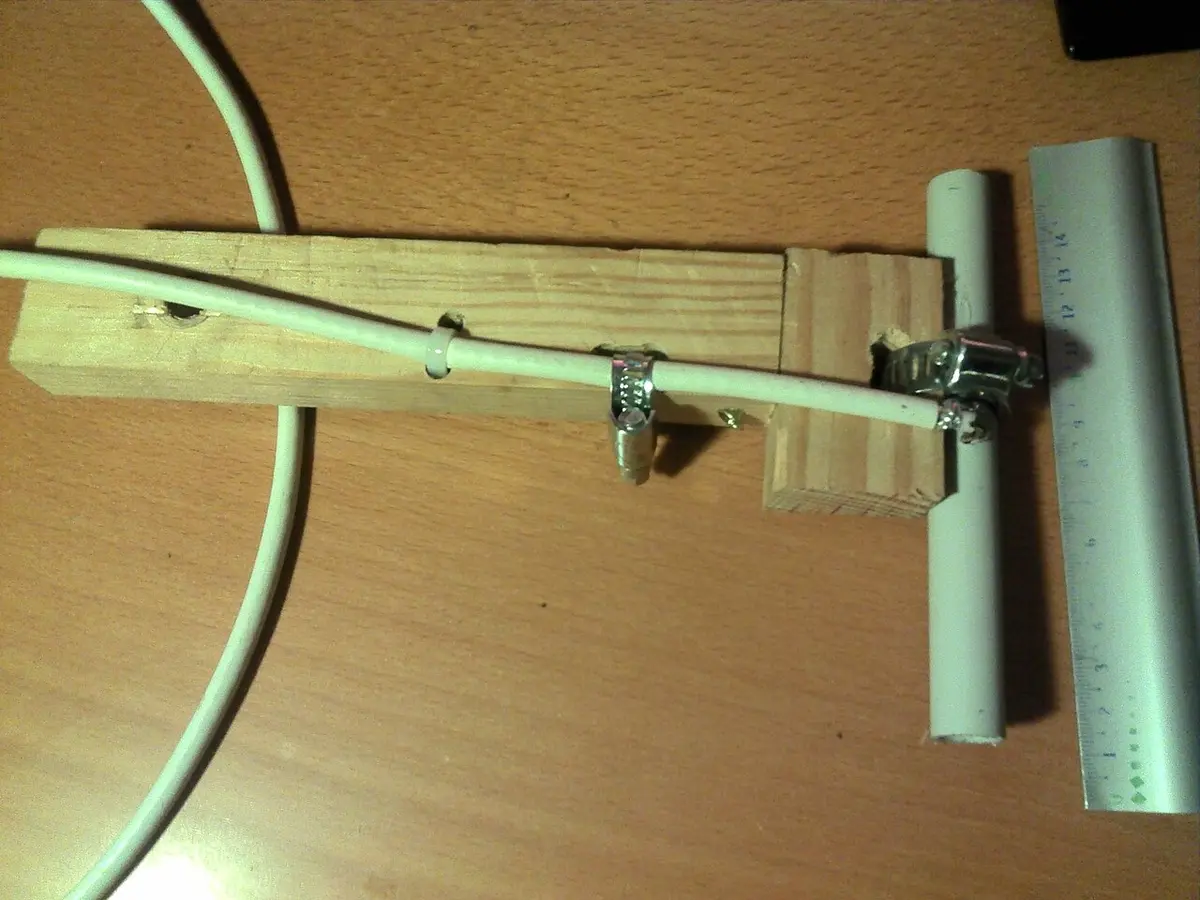
A homemade 1090 MHz dipole antenna. Photo: Happy-marmotte, CC BY-SA 3.0, via Wikimedia Commons.
What you need to build an ADS-B receiver
| Part | What to look for | Rough cost |
|---|---|---|
| Computer | Raspberry Pi 3 or 4 (PiAware also supports the Zero W) | Varies by model and region |
| Radio | RTL-SDR USB dongle (any RTL2832U-based dongle works) | About $25 and up |
| Antenna | A 1090 MHz antenna; the one in an RTL-SDR kit works to start, a dedicated ADS-B antenna usually reaches further | About $20 to $40 for a dedicated one |
| Power and storage | A 5.1V / 2.5A power supply and a microSD card of 8 GB or more | Small |
Prices drift, so treat these as approximate and check current listings. The AvioADSB hardware guide has the same basic list. A filtered dongle such as FlightAware's Pro Stick Plus helps if you live in a city with a lot of radio interference.
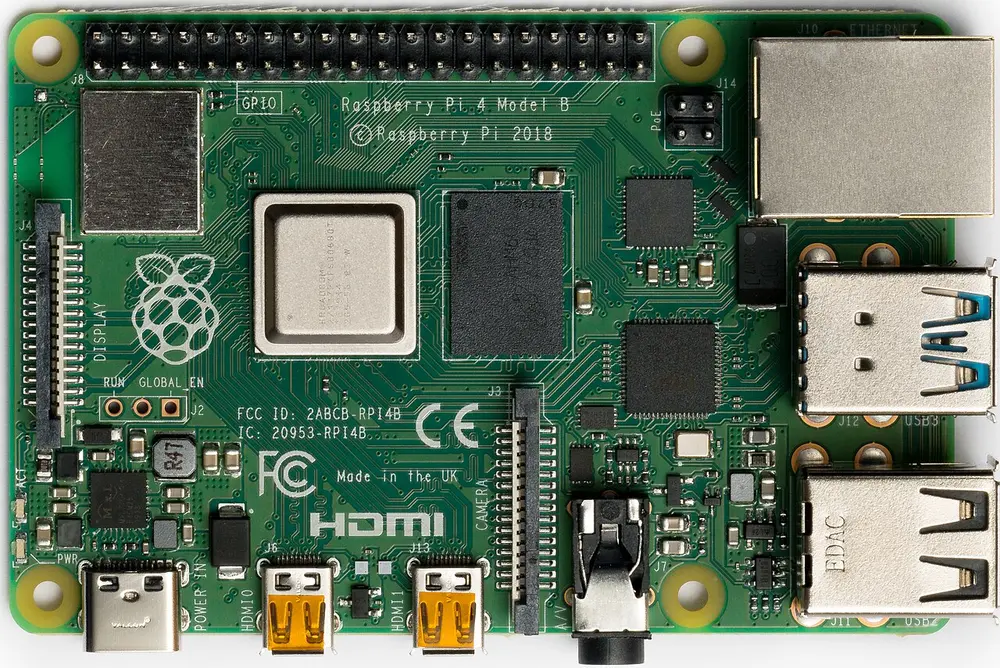
A Raspberry Pi 4 Model B. Photo: Laserlicht, CC BY-SA 4.0, via Wikimedia Commons.
Step by step: from parts to a working receiver
- Flash the Pi. Write Raspberry Pi OS to the microSD card with Raspberry Pi Imager, then boot the Pi with network access.
- Plug in the dongle and antenna. Put the antenna as high as you can with a clear view of the sky. Outdoors and near a window with a view both beat a desk.
- Install a decoder. The decoder turns radio samples into aircraft data.
readsbanddump1090-faare the two common choices. For readsb, the maintainers publish an install script (see their automatic installation page). For dump1090-fa on Debian or Raspberry Pi OS, the AvioADSB hardware guide usessudo apt install dump1090-fa. - Check that you see aircraft. Open the decoder's local web map. Planes should appear within a minute or two.
- Make sure SBS output is on port 30003. The AvioADSB feeder reads from there. In readsb, SBS output is off by default (
--net-sbs-port=30003turns it on, usually set in/etc/default/readsb). Then runnc 127.0.0.1 30003: you should see lines starting withMSG,.
If you have an RTL-SDR Blog V4 dongle, the readsb install notes say it needs an extra driver install, because the stock Debian and Raspberry Pi OS drivers do not work with it.
Why you can hear so far
ADS-B aircraft broadcast on 1090 MHz, and those signals travel in a straight line. That is why antenna height and a clear horizon matter more than expensive hardware. A rooftop or attic antenna can hear much further than the same dongle on a windowsill. See the ADS-B protocol page for the details of what is being received.
Turn your receiver into a feeder
A receiver on its own shows you planes. A receiver that feeds a network also fills coverage gaps for everyone else. If you already feed another network, you can keep doing that: your decoder simply serves more than one client.
- Create a free account at avioadsb.org/register.
- Add a receiver on the dashboard.
- Download the feeder script from the receiver's Setup panel and run it on the Pi.
Within a minute your receiver should show as Online. The full walkthrough, including troubleshooting, is in Getting Started.
Ready to connect your receiver?
Once you can see aircraft on your local map, connect it to AvioADSB in a few minutes. If you are still choosing parts, start with the hardware list.