 AvioADSB
ADS-B Receiver Indoors: Window Antenna Setup Guide
Run an ADS-B receiver with an indoor antenna in a window. Learn where to put it, what blocks 1090 MHz, how to test, and how to feed AvioADSB from home.
Yes, you can run an ADS-B receiver with an indoor antenna in a window, and many feeders start exactly that way. It will not match a roof-mounted antenna, but it is enough to see local traffic and to start feeding. The result depends on your window, your walls and what is outside, so plan to test a few spots.
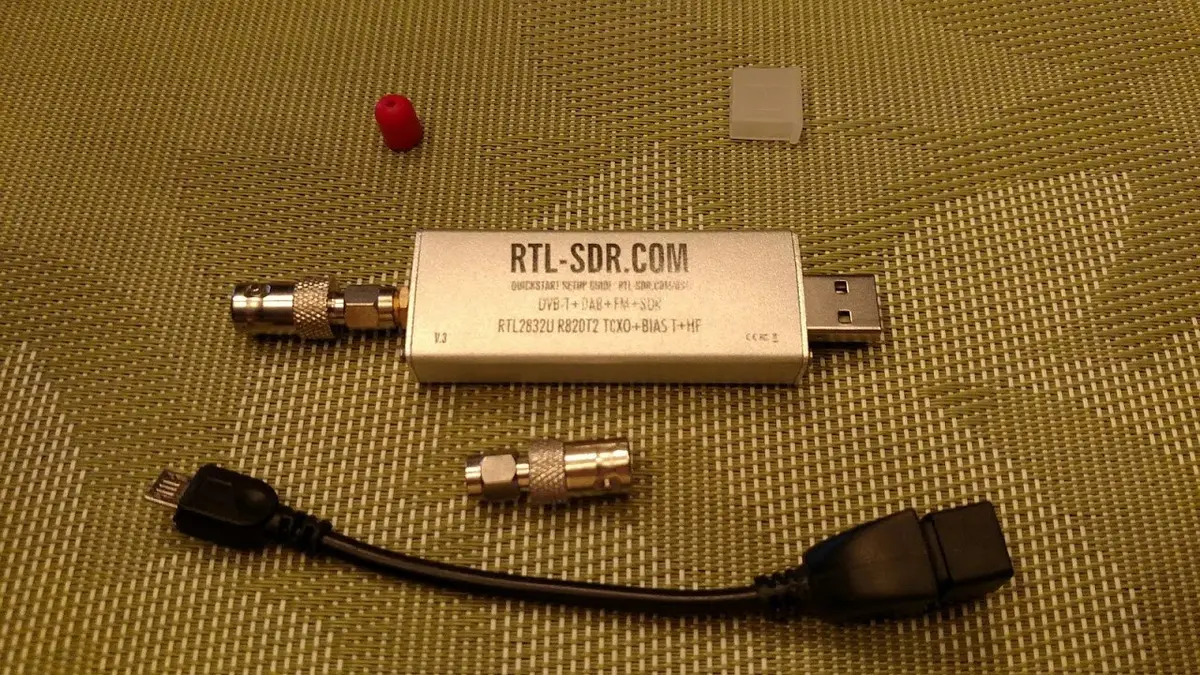
An RTL-SDR dongle. Photo: Joeceads, CC BY-SA 4.0, via Wikimedia Commons.
Why a window is the best indoor spot
ADS-B signals are line of sight, so anything between the antenna and the sky costs you range. RTL-SDR.com says the antenna should not be obstructed by trees or buildings, and should go as high as possible. FlightAware says outdoor installs are ideal but not always possible, and for indoor setups suggests a window or attic, as close to the sky as possible with minimal obstructions.
Those two rules, height and an open view, are what to optimise for indoors.
How to set up a window antenna
- Pick the highest window with the widest view. An upstairs window facing open sky beats a ground-floor window facing a wall.
- Keep the antenna vertical. FlightAware says the best reception comes from a vertically installed antenna, and RTL-SDR.com notes ADS-B uses a vertically polarized signal.
- Keep the cable short. FlightAware advises cable loss below 6 dB and runs preferably under 15 meters (50 feet). Put the receiver near the window and run network or power further, instead of a long coax.
- Run it for a day, then compare. Check your decoder statistics, move the antenna one step, and compare again. See the low message rate guide for what to look at.
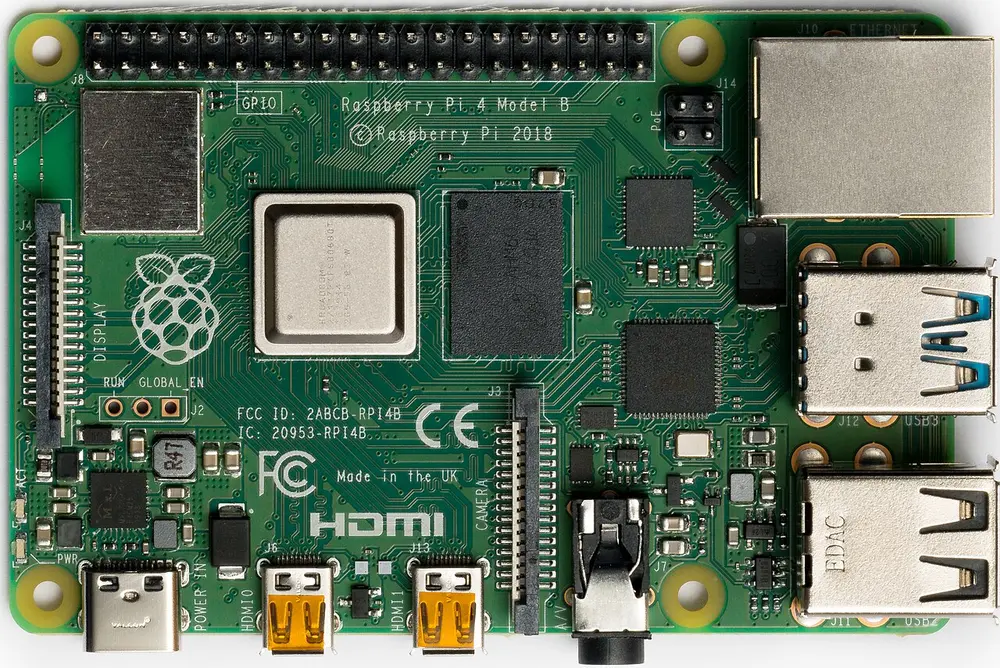
Raspberry Pi 4 Model B. Photo: Laserlicht, CC BY-SA 4.0, via Wikimedia Commons.
What can block 1090 MHz indoors
- Metal-coated (Low-E) glass. In a FlightAware community thread, a feeder who ran a second-floor window antenna for about three years saw far fewer flights after the window was replaced, and another member said Low-E coatings can attenuate signals including 1090 MHz. These are user reports, not lab measurements, but they are a good reason to test an open window or a different pane.
- Metal roofs. The same thread warns that with a metal roof you can get virtually zero results, which also rules out most attics.
- Nearby tall buildings. They cut off whole directions, which shows up as weak sectors in your range graph.
If the window does not work, try a nearby wall, since results depend on wall construction, or look at the antenna placement guide for attic and outdoor options.
Which antenna to use
The antenna included with an RTL-SDR kit can work, but RTL-SDR.com says a properly tuned antenna is needed for decent range. A dedicated 1090 MHz antenna is around $20 to $40 according to the AvioADSB hardware guide. Handy builders can make one, see the DIY 1090 MHz antenna guide.
Start small, upgrade later
An indoor receiver gives you a baseline. If your numbers are low, a better position or a filtered dongle usually helps more than money spent on amplifiers. Many feeders later move the same antenna outside with no other changes.
Next step
Got a dongle, a Pi and a window? Connect your receiver to AvioADSB in a few minutes. Still shopping? Start with the hardware list.
Sources: RTL-SDR.com ADS-B guide, FlightAware optional build guide, FlightAware community thread on window glass.